Image-to-G-code for CNC surface machining with an interactive 3D toolpath viewer
Project Overview
OpenCarvePython turns grayscale images — heightmaps or bas-relief artwork — into G-code for CNC surface carving. A PyQt5 desktop UI pairs configurable machining parameters with a real-time 3D visualization of the generated toolpath, a postprocessor that compacts the G-code output, and a runtime estimator that previews job duration before sending it to the machine.
Stack
PythonPyQt5OpenGLNumPy & PillowCNC / G-code
Interface Walkthrough
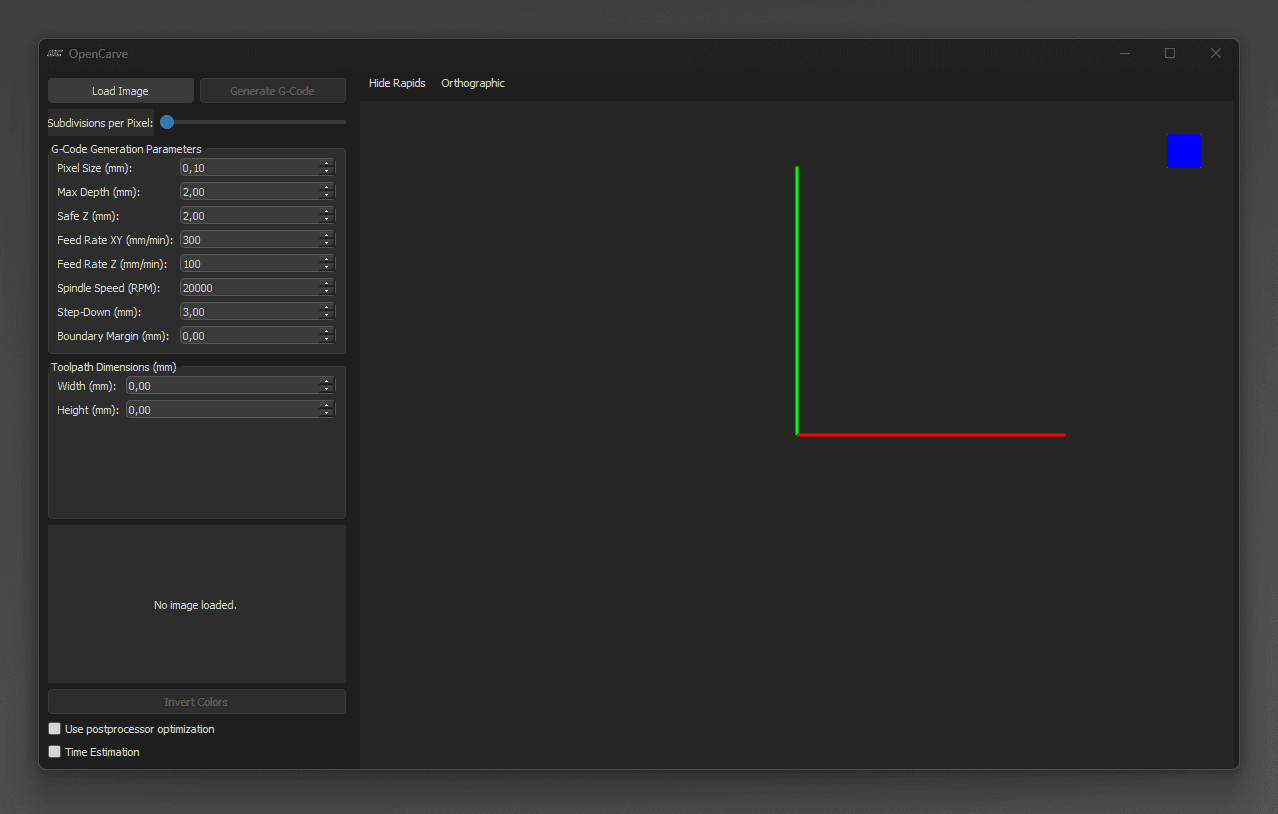
The desktop app puts image loading, parameter configuration, G-code generation, and 3D preview into a single window. Operators switch between the 2D heightmap view and the 3D toolpath viewer without losing context, and can hide rapid moves to inspect the actual cutting path more clearly.
Main view — parameters on the left, loaded image on the right, G-code panel and toolpath preview in the same window.
Workflow
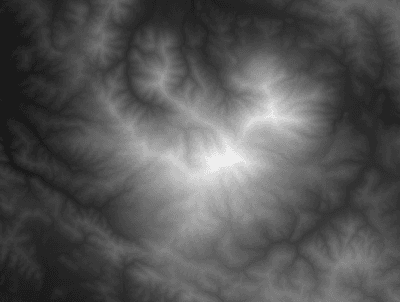
Load a grayscale image via the Load Image button — each pixel is read as a height value.
Configure the machining parameters: pixel size, maximum depth, safe Z, XY and Z feed rates, spindle RPM, step-down, and boundary margin.
Generate the G-code, inspect it in the 3D viewer, optionally run it through the postprocessor, and send the result to the CNC machine.
3D Viewer & Controls
Middle mouse button — orbit mode to rotate the scene around the workpiece.
Left + right mouse buttons together, or Shift + middle mouse button — pan mode for lateral view shifts.
Mouse wheel — adjusts camera distance and zoom level.
Navigation cube top-right — clicking a face snaps the view to a predefined orientation.
Rapid moves can be hidden so the actual cutting profile stands out clearly.
Machining Parameters
Pixel Size (mm) — sets the step between adjacent G-code paths and therefore the physical scale of the carved part.
Maximum Depth (mm) — the deepest cut; darker pixels approach this depth.
Safe Z (mm) — travel height for rapid moves between cutting segments to avoid collisions.